Tabpos - Receipt Settings
This page allows merchant to configure what store information they want printed on receipts. The Receipt Header and Footer text can be added/modified here.
Merchants can set this up on CAS but changes made here will supersede the settings on the CAS.
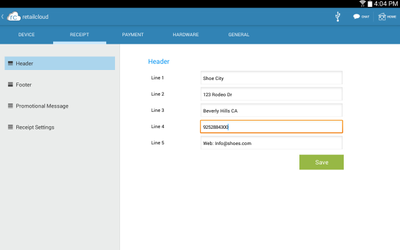
Header: This allows merchant to configure the header of the receipt
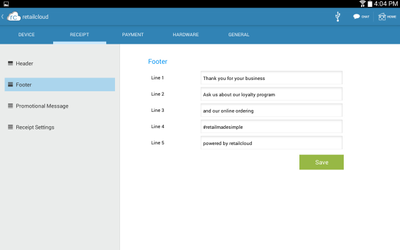
Footer: This allows merchant to configure the footer of the receipt
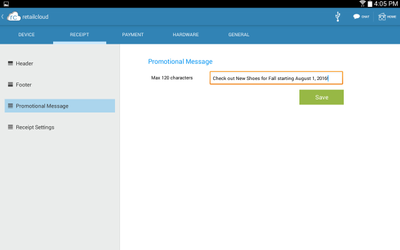
Promotional Message: This allows merchant to add Promotional Message to display on the customer receipt. Promotional Message (can be up to 250 characters).
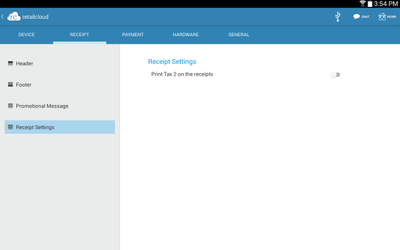
Receipt Settings: This allows merchant to Enable the POS to print Tax1 and Tax2 on receipt printer if you have it setup that way.
Header:
Footer:
Promotional Message:
Receipt Settings:
, multiple selections available,